WordPress powers over 40% of all websites in the world – and for good reason. It’s flexible, powerful, and lets you build anything from a simple presentation site to a full online store. In this guide, we go step by step through how to build a website with WordPress, what you should know in 2026, and when it actually pays to leave the job to a professional.
What you need before you start
Before you build, three things should be in place:
- A domain name – your web address, for example yourcompany.no
- Web hosting – where the website actually “lives”. Choose a provider with good speed and support, not just the cheapest one.
- An idea of goals and target audience – what should the website achieve, and who should it speak to?
The last point is the most important, and the one people most often skip. A website without a clear goal is just a digital brochure. A website with a goal becomes a tool that brings you customers.
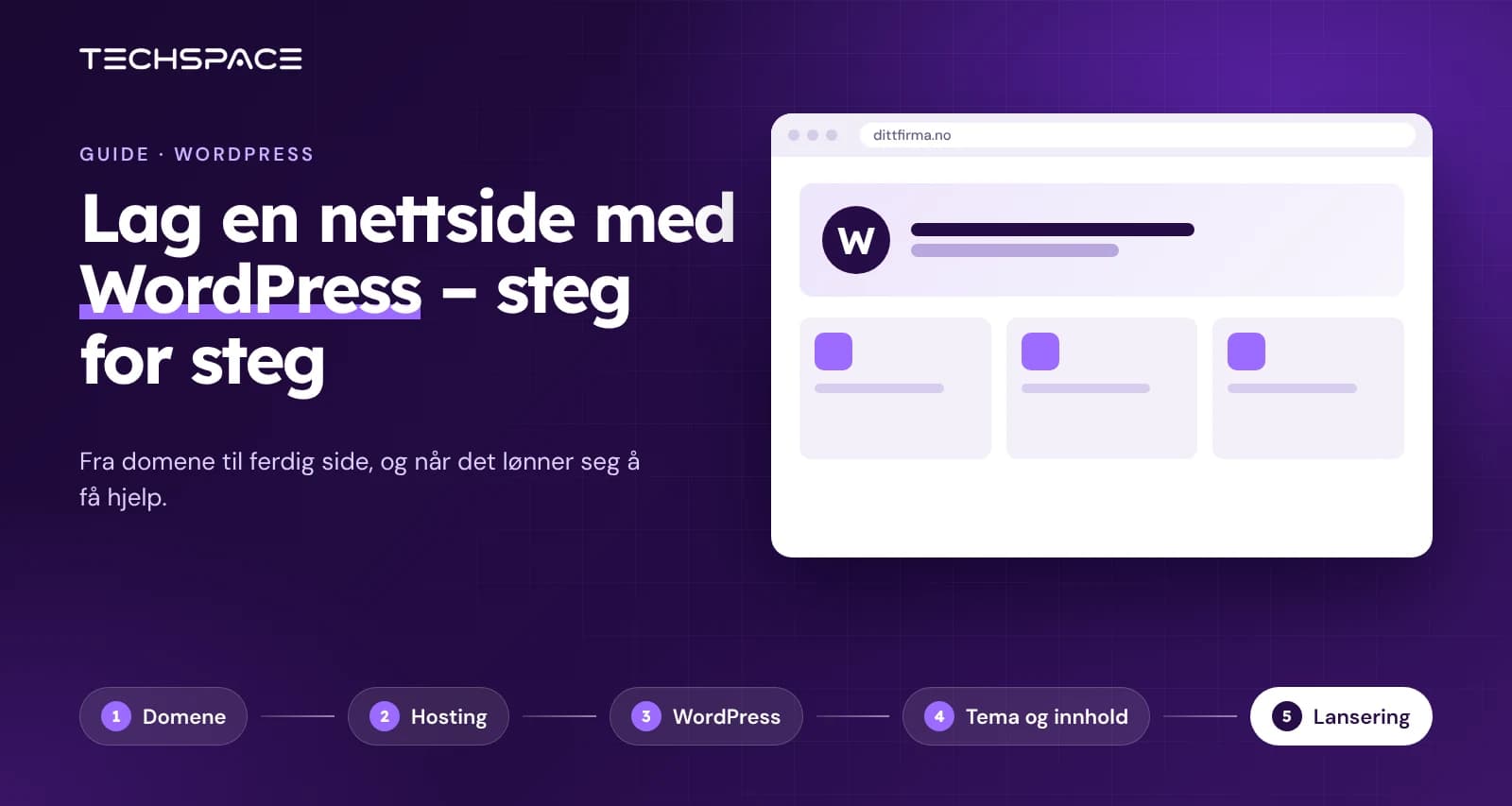
How to build a website with WordPress – step by step
Step 1 – Buy a domain and hosting
Choose a short, recognizable domain name. Connect it to a hosting plan that fits your needs. Most serious providers offer WordPress pre-installed in just a few clicks.
Step 2 – Install WordPress
Many hosts offer “one-click installation” of WordPress. After installation, you log in to the dashboard (yourdomain.no/wp-admin), which is where you manage the whole website.
Step 3 – Choose a theme (design)
The theme determines the look. In 2026, we recommend a light, fast theme over heavy themes packed with features you’ll never use. A light theme loads faster – and speed affects both your customers and how Google ranks the site.
Step 4 – Build your pages
With a page builder like Elementor, you can set up the home page, about us, services and contact without coding. Keep the structure simple and the navigation clear. Each page should have one clear purpose and a clear call to action.
Step 5 – Add key functionality
Most business websites need:
- Contact form
- Mobile optimization (since over half of all traffic is mobile)
- Cookie consent (required under privacy rules)
- Basic SEO setup
Use plugins in moderation. Too many plugins make the site slow, vulnerable and hard to maintain – one of the most common reasons WordPress websites fail.
Step 6 – Optimize for search (SEO)
Give each page a clear title and meta description. Use headings correctly, compress images, and write content that answers what customers are actually searching for. An SEO tool like Rank Math helps you along the way.
Step 7 – Test and publish
Check that the site looks good on both mobile and desktop, that all links and forms work, and that the site loads fast. Then you’re ready to publish.
The most common mistakes beginners make
- Choosing design over function – a pretty site that doesn’t convert doesn’t help the business.
- Installing too many plugins – causes slowness, conflicts and security holes.
- Forgetting mobile – most of your customers are on their phones.
- Skipping maintenance – without updates, the site becomes outdated and insecure.
- Treating the website as a one-off project – a website is a living business asset, not something you’re ever “done” with.
Should you build the website yourself, or hire a pro?
Building a simple WordPress site yourself is entirely possible – and for a hobby blog or a brand-new project, it may be exactly right. But for a business that depends on inquiries and sales, there are some things you rarely manage on your own:
- The right technical setup for speed, security and scalability
- A design that builds trust and actually gets visitors to get in touch
- SEO that helps customers find you on Google
- Peace of mind that someone will fix it if the site goes down on a Friday evening
You can install a theme yourself, but can you clean up the code underneath it? That’s the difference between a website that “works” and one that sells. At Techspace, we build custom WordPress solutions, and we offer service level agreements (SLA) with an uptime guarantee and agreed response times.
Frequently asked questions
Is WordPress free?
The software itself is free, but you pay for the domain, hosting and any premium theme and plugins. Professional development comes on top if you want it.
Do I need to know how to code to use WordPress?
No. With a page builder, you can build and update pages without code. More advanced functionality may still require a developer.
How long does it take to build a WordPress website?
A simple site can be set up in a few days. A professional business website typically takes 4–8 weeks when design, content and testing are done properly.
Can I update the website myself afterwards?
Yes. WordPress is made so you can easily change text and images yourself. If you'd rather skip the technical side, we offer maintenance packages.
What most often goes wrong?
Too many plugins, slow hosting and lack of maintenance. A solid foundation from the start saves you from big problems later.
We review your website for free and tell you what we'd change — in a three-minute video.
Writes about websites, security and visibility for Techspace. Questions about this article? Email us at post@techspace.no.